Can I Enter GQMC Without My School?
“Can I enter GQMC without my school?” Yes. Eligible students can enter the free Qualification Round on their own, even if their school does not organize a group. You fill out the submission form and upload your work from home. For GQMC 2026, the submission deadline was Sunday, June 14, at 23:59 UTC+0. That deadline has passed. If you already submitted, your next date is Monday, June 29, when the Qualification Round results are due.
Can I enter GQMC without my school if nobody else signs up?
Yes. You do not need classmates to enter with you, and a teacher does not have to set up a group before you can submit. If your school has not announced the Global Quantum Mechanics Challenge, that does not prevent you from taking part. A school can help students learn about the competition, but school involvement is separate from whether a student can enter.
Eligibility is based on your student status, not on whether your school participates. Current high school and university students from all grades and countries are eligible. The GQMC age group rules explain how grade and age affect your group and how students between high school and university are classified. For GQMC 2026, your age and grade on June 14 determine your group for the competition, even if either changes afterward.
Entering on your own does not give you a different set of problems. Students in all age groups receive the same problems. Age groups affect the score needed to advance, not whether you have to find a teacher or classmates to enter with you. There is no fee or registration cost to participate in the Qualification Round.
Why the submission form asks for your school
Asking for your school name is not the same as asking your school to enter you. The form asks for your name, school, city, and date of birth. GQMC uses these details for certificates, so check them carefully. If your school is not organizing a group, you still enter the name of the school you attend. The field is for your school name, not a statement about whether the school is taking part.
For example, two students might attend the same school. One might hear about GQMC from a teacher, while the other finds it independently and submits from home. Both would put the same school name on the form. The name identifies the school each student attends. It does not say who told them about the competition or who organized their submission.
Before submitting, check the spelling of your name and your school name, confirm that you entered the right city, and read your date of birth back to yourself. This is a separate check from proofreading your physics work: Even a clear solution file does not catch a typo in a form field. If you are between schools or unsure which name to enter, use GQMC FAQ and support rather than guessing what belongs in the field.
What to submit from home
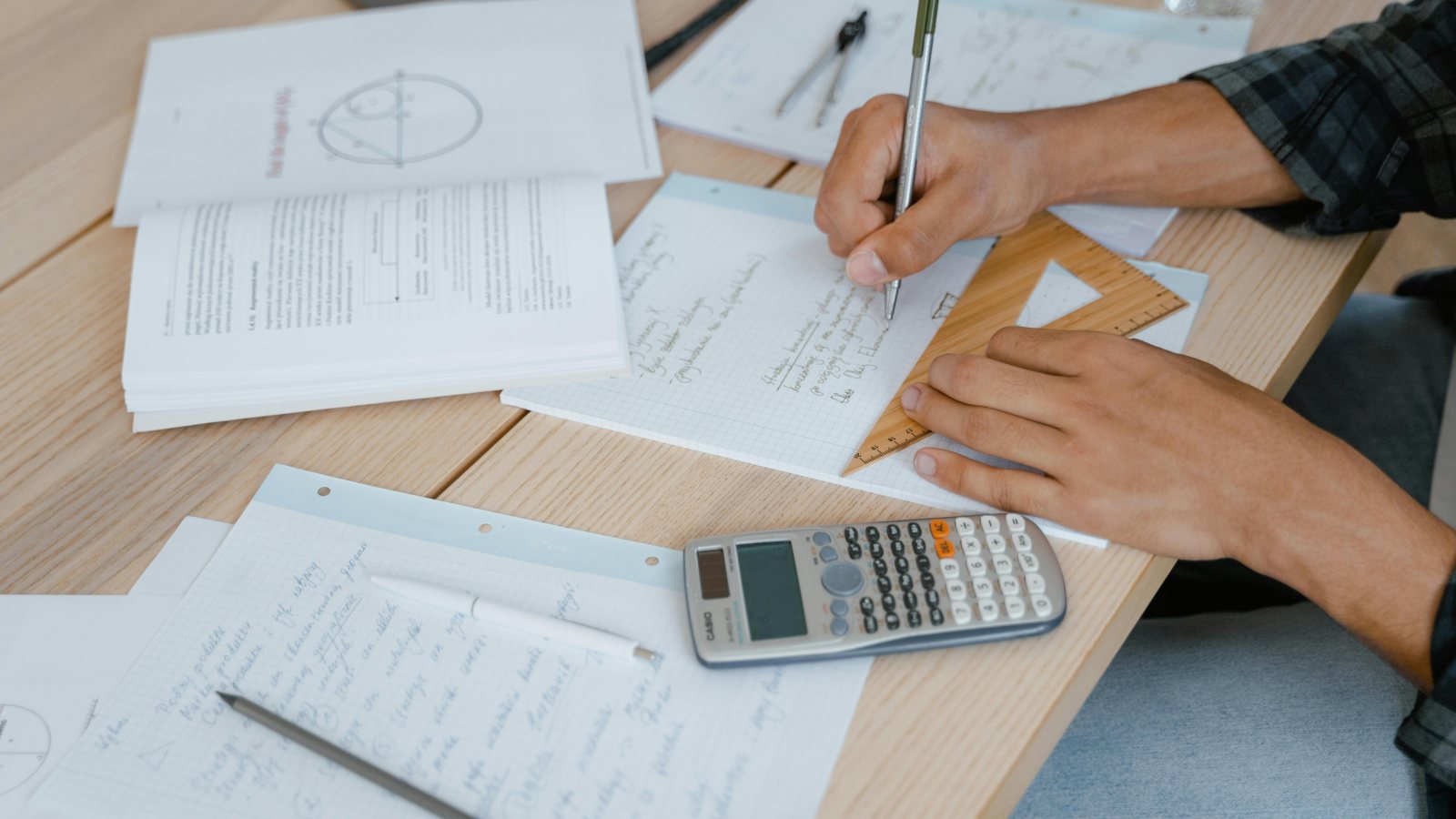
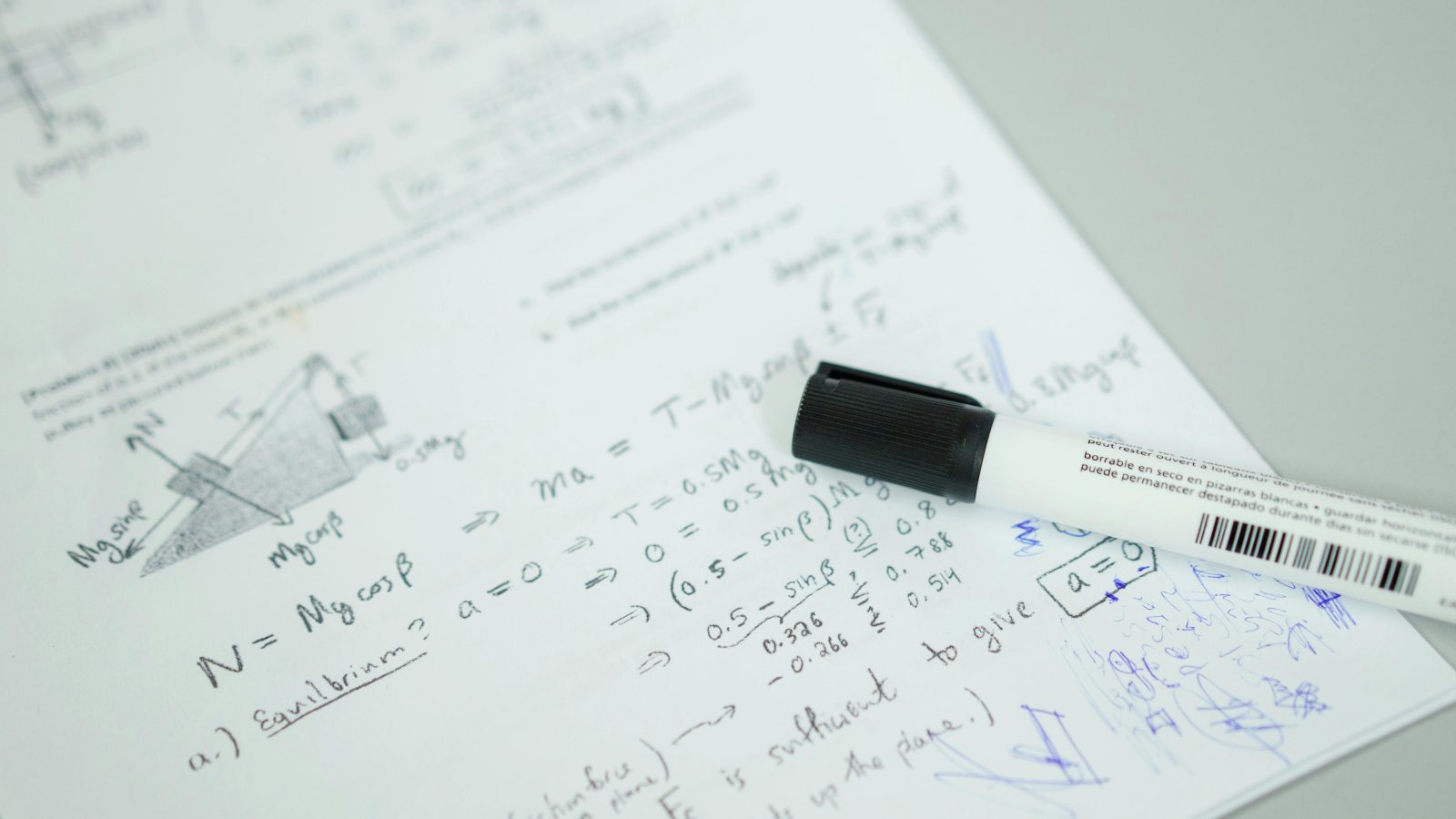
The Qualification Round has five quantum mechanics problems, labeled A, B, C, D, and E. The item you upload is your solution file. You can type your work or write it on paper and take a clear picture. Typing is recommended, but handwriting is accepted. If your handwritten solutions take several pages, you can combine the pictures into one PDF. You do not need classroom equipment to prepare the file.
- Choose a format you can read easily. If you type your work, check how equations and symbols look in the finished file. If you write by hand, photograph each page in good light and make sure the edges are visible.
- Put the pages in order. Keep the problem labels visible so it is easy to match each part of your work to the corresponding problem. If you combine photos into a PDF, open the PDF itself to check the order.
- Inspect the file you plan to upload. Zoom in on a line with small handwriting, subscripts, or a minus sign. If you cannot read it on screen, retake the photo or fix the typed file before you upload.
- Check the form as well as the attachment. Review your name, school, city, and date of birth, then make sure the file you selected is the version you just checked.
Leave time between finishing your work and the submission deadline. For instance, if a photo looks sharp on your phone but turns out blurry in the combined PDF, you want time to replace it. The same goes for an internet connection that drops during an upload. When checking a deadline, pay attention to the time zone shown. The 2026 deadline was given in UTC+0, not in each student's local time.
What you can do on June 22
If you did not submit by June 14, the fact that independent entry is allowed does not change the deadline. The June 29 date is for results, not for submitting work. If you had been waiting for your school to organize a group, you do not need to wait for one when entering a future Qualification Round. Check the posted instructions and deadline for the edition you plan to enter rather than relying on this year's dates.
If you submitted on time, you do not need a school group to find out how you did. GQMC will email you about the results, and you can also check your participant account for your results, performance report, and certificates. All Qualification Round participants receive a participation certificate, whether or not they advance. The competition rounds page lists the result date and provides the participant login link.
Frequently asked questions
Do I need a teacher to enter GQMC?
No. If you are eligible, you can submit your own Qualification Round work without a teacher organizing a group.
Can I upload handwritten solutions?
Yes. Upload a clear picture of your handwritten work, or combine multiple pictures into one PDF.
Can I still submit for GQMC 2026?
No. The Qualification Round submission deadline was June 14, 2026, at 23:59 UTC+0. Results are due June 29.